Docs
DocumentationQuery ReferenceAPI Reference
Open Console→→
DocumentationQuery ReferenceAPI Reference

Platform overview

What is Axiom?QuickstartArchitectureFeatures
Fundamentals
Datasets
Edge deployments
Limits
Performance
Optimize usage
Requirements
Semantic conventions
Glossary
Tour
SecurityRoadmap

Send data

Reference architecturesMethods

Understand data

Console
Query
Builder
Editor
Query results
Visualize
Traces
Metrics
Correlations
Save queries
Stream
Dashboard
Create
Elements
Create
Configure
Element types
Gauge
Heatmap
Log stream
Monitor list
Note
Pie chart
Scatter plot
Statistic
Table
Time series
Sections
Configure
Filter
Annotate
Monitor
Overview
View status
Configure
Examples
Monitor types
Anomaly
Match
Threshold
Alerting
Overview
Configure
Notifier types
Custom Webhook
Discord
Email
Microsoft Teams
Opsgenie
PagerDuty
Slack
Manage
Datasets
Overview
Views
Virtual fields
Access
RBAC
Tokens
CLI
Organization
Audit log
Settings
Usage and billing
Profile
Extend
Overview
AWS Lambda
AWS PrivateLink
Cloudflare Workers
Cloudflare Logpush
Convex
Grafana
Hex
Netlify
Supabase
Tailscale
Terraform
Unkey
Vercel
Intelligence
Overview
Spotlight
AI agents
Overview
MCP Server
Query cost limits
Agent-created orgs
Skills
Overview
Axiom alerting
Build dashboards
Control costs
Query metrics
SRE
Translate SPL to APL
Splunk
Overview
Splunk app
Install and configure
Commands
Examples
Portal
How it works
Set up standard mode
Set up transparent mode
Observability Cloud
SPL command support
Examples
Monitor and troubleshoot

Use cases

ObservabilityProduct analytics
LLM observability
Overview
Use Axiom AI SDK
Manual instrumentation
GenAI attributes
Redaction policies

Miscellaneous

LLMs
Overview
List of docs pages
Full docs
Query reference
FAQs
Legal
Acceptable use policy
Cookies
Data processing
HIPAA
Partner agreement
Partner program guide
Privacy policy
SLA
Terms of service
Terms of use

Send data from AWS Lambda to Axiom

This page explains how to send Lambda function logs and platform events to Axiom.
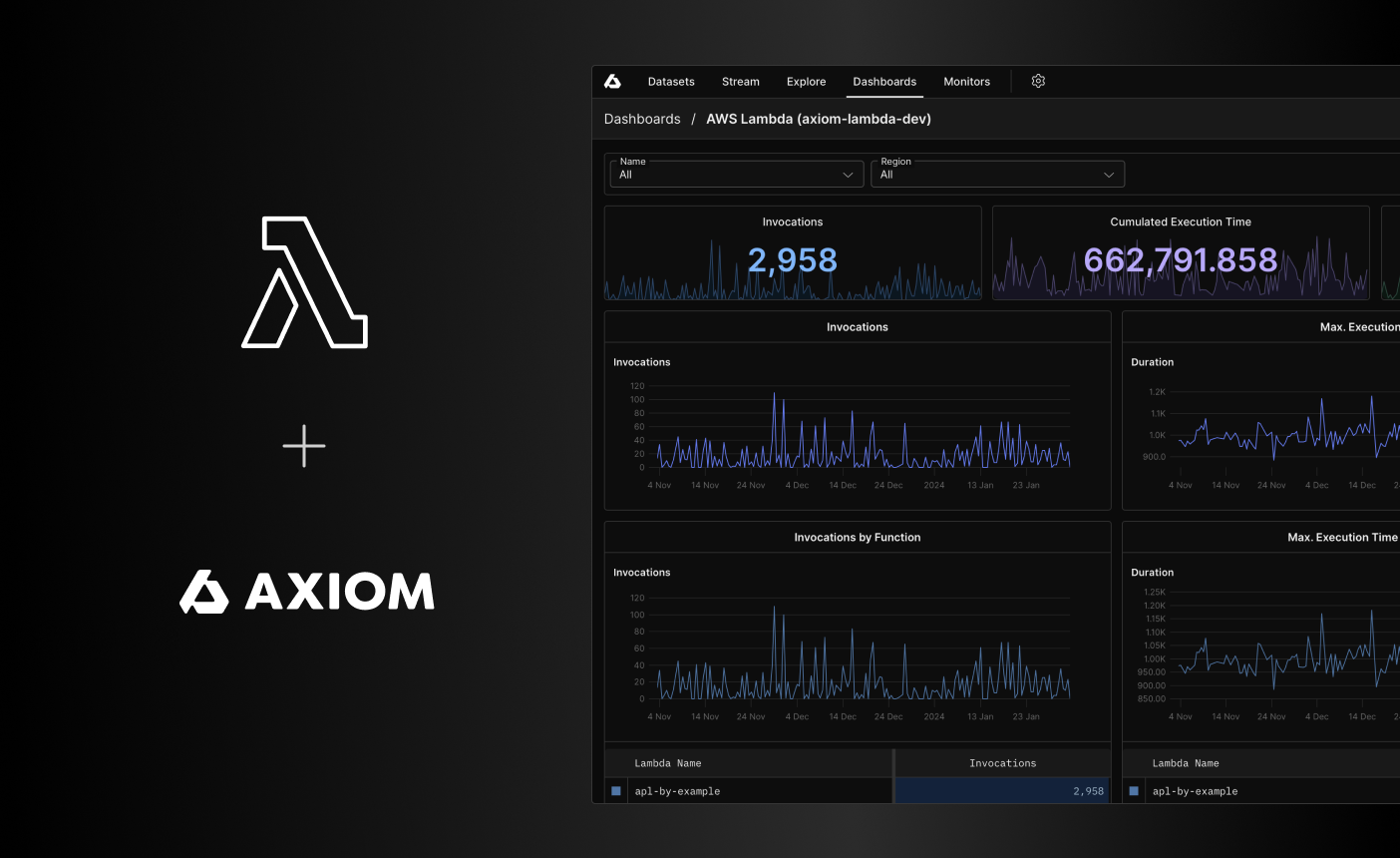
Axiom Lambda Extension logo

Use the Axiom Lambda Extension to send logs and platform events of your Lambda function to Axiom.

Alternatively, you can use the AWS Distro for OpenTelemetry to send Lambda function logs and platform events to Axiom. For more information, see AWS Lambda Using OTel.

Axiom detects the extension and provides you with quick filters and a dashboard. For more information on how this enriches your Axiom organization, see AWS Lambda app.

To determine the best method to send data from different AWS services, see Send data from AWS to Axiom.

Info

The Axiom Lambda Extension is an open-source project and welcomes your contributions. For more information, see the GitHub repository.

Prerequisites

  • Create an Axiom account.
  • Create a dataset in Axiom where you send your data.
  • Create an API token in Axiom with permissions to ingest data to the dataset you have created.
  • Create an account on AWS Cloud.

Setup

  1. Install the Axiom Lambda extension.
  2. Ensure everything works properly in Axiom.
  3. Turn off the permissions for Amazon CloudWatch.

The last step is important because after you install the Axiom Lambda extension, the Lambda service still sends logs to Amazon CloudWatch Logs. You need to manually turn off Amazon CloudWatch logging.

Installation

To install the Axiom Lambda Extension, choose one of the following methods:

  • AWS CLI
  • Terraform
  • AWS Lambda function UI
Warning

The layer VERSION in the ARN isn’t the same as the extension release version on the GitHub Releases page. AWS assigns layer version numbers automatically, one per publish, so the two numbering schemes differ. For example, extension release v16 is published as layer version 17 in all supported regions. After you install or upgrade, verify the extension version that your functions run.

Install with AWS CLI

Add the extension as a layer with the AWS CLI:

shell
aws lambda update-function-configuration --function-name my-function \
    --layers arn:aws:lambda:AWS_REGION:694952825951:layer:axiom-extension-ARCH:VERSION
  • Replace AWS_REGION with the AWS Region to send the request to. For example, us-west-1.
  • Replace ARCH with the system architecture type. For example, arm64.
  • Replace VERSION with the latest Lambda layer version. For example, 17, which contains extension release v16. The layer version doesn’t match the release version on the GitHub Releases page because AWS assigns layer version numbers automatically.

Add the Axiom dataset name and API token to the list of environment variables. For more information on setting environment variables, see the AWS documentation.

shell
AXIOM_TOKEN: API_TOKEN
AXIOM_DATASET: DATASET_NAME
AXIOM_URL: AXIOM_DOMAIN
Info

Replace API_TOKEN with the Axiom API token you have generated. For added security, store the API token in an environment variable.

Replace DATASET_NAME with the name of the Axiom dataset where you send your data.

Replace AXIOM_DOMAIN with the base domain of your edge deployment. For more information, see Edge deployments.

You have installed the Axiom Lambda Extension. Go to the Axiom UI and ensure your dataset receives events properly.

Install with Terraform

Choose one of the following to install the Axiom Lambda Extension with Terraform:

  • Use plain Terraform code

HCL
resource "aws_lambda_function" "test_lambda" {
  filename      = "lambda_function_payload.zip"
  function_name = "lambda_function_name"
  role          = aws_iam_role.iam_for_lambda.arn
  handler       = "index.test"
  runtime       = "nodejs14.x"

  ephemeral_storage {
    size = 10240 # Min 512 MB and the Max 10240 MB
  }

  environment {
    variables = {
      AXIOM_TOKEN   = "API_TOKEN"
      AXIOM_DATASET = "DATASET_NAME"
      AXIOM_URL     = "AXIOM_DOMAIN"
    }
  }

  layers = [
    "arn:aws:lambda:AWS_REGION:694952825951:layer:axiom-extension-ARCH:VERSION"
  ]
}
Info

Replace AWS_REGION with the AWS Region to send the request to. For example, us-west-1. Replace ARCH with the system architecture type. For example, arm64. Replace VERSION with the latest Lambda layer version. For example, 17, which contains extension release v16. The layer version doesn’t match the release version on the GitHub Releases page because AWS assigns layer version numbers automatically.

Replace API_TOKEN with the Axiom API token you have generated. For added security, store the API token in an environment variable.

Replace DATASET_NAME with the name of the Axiom dataset where you send your data.

Replace AXIOM_DOMAIN with the base domain of your edge deployment. For more information, see Edge deployments.

  • Use the AWS Lambda Terraform module

HCL
module "lambda_function" {
  source = "terraform-aws-modules/lambda/aws"

  function_name = "my-lambda1"
  description   = "My awesome lambda function"
  handler       = "index.lambda_handler"
  runtime       = "python3.8"

  source_path = "../src/lambda-function1"

  layers = [
    "arn:aws:lambda:AWS_REGION:694952825951:layer:axiom-extension-ARCH:VERSION"
  ]

  environment_variables = {
    AXIOM_TOKEN   = "API_TOKEN"
    AXIOM_DATASET = "DATASET_NAME"
    AXIOM_URL     = "AXIOM_DOMAIN"
  }
}
Info

Replace AWS_REGION with the AWS Region to send the request to. For example, us-west-1. Replace ARCH with the system architecture type. For example, arm64. Replace VERSION with the latest Lambda layer version. For example, 17, which contains extension release v16. The layer version doesn’t match the release version on the GitHub Releases page because AWS assigns layer version numbers automatically.

Replace API_TOKEN with the Axiom API token you have generated. For added security, store the API token in an environment variable.

Replace DATASET_NAME with the name of the Axiom dataset where you send your data.

Replace AXIOM_DOMAIN with the base domain of your edge deployment. For more information, see Edge deployments.

You have installed the Axiom Lambda Extension. Go to the Axiom UI and ensure your dataset receives events properly.

Install with AWS Lambda function UI

Add a new layer to your Lambda function with the following ARN (Amazon Resource Name). For more information on adding layers to your function, see the AWS documentation.

shell
arn:aws:lambda:AWS_REGION:694952825951:layer:axiom-extension-ARCH:VERSION
Info

Replace AWS_REGION with the AWS Region to send the request to. For example, us-west-1. Replace ARCH with the system architecture type. For example, arm64. Replace VERSION with the latest Lambda layer version. For example, 17, which contains extension release v16. The layer version doesn’t match the release version on the GitHub Releases page because AWS assigns layer version numbers automatically.

Add the Axiom dataset name and API token to the list of environment variables. For more information on setting environment variables, see the AWS documentation.

shell
AXIOM_TOKEN: API_TOKEN
AXIOM_DATASET: DATASET_NAME
Info

Replace API_TOKEN with the Axiom API token you have generated. For added security, store the API token in an environment variable.

Replace DATASET_NAME with the name of the Axiom dataset where you send your data.

You have installed the Axiom Lambda Extension. Go to the Axiom UI and ensure your dataset receives events properly.

Verify the extension version

The extension stamps its release version on every event it sends to Axiom. After you install or upgrade, check which release your functions actually run:

APL
['DATASET_NAME']
| where isnotnull(['axiom.awsLambdaExtensionVersion'])
| summarize count() by ['axiom.awsLambdaExtensionVersion']

The result is the extension release version, such as v16. If the result shows an older release than you expect, the layer version in your function configuration points to an older build. Update the layer ARN to the latest layer version, and then redeploy your function.

Turn off Amazon CloudWatch logging

After you install the Axiom Lambda extension, the Lambda service still sends logs to CloudWatch Logs. You need to manually turn off Amazon CloudWatch logging.

To turn off Amazon CloudWatch logging, deny the Lambda function access to Amazon CloudWatch by editing the permissions:

  1. In the AWS Lambda function UI, go to Configuration > Permissions.
  2. In the Execution role section, click the role related to Amazon CloudWatch Logs.
  3. In the Permissions tab, select the role, and then click Remove.

Requirements for log level fields

The Stream and Query tabs allow you to easily detect warnings and errors in your logs by highlighting the severity of log entries in different colors. As a prerequisite, specify the log level in the data you send to Axiom. For Open Telemetry logs, specify the log level in the following fields:

  • record.error
  • record.level
  • record.severity
  • type

Best practices for production workloads

The Axiom Lambda Extension runs inside your Lambda execution environment and shares its CPU, memory, and network with your function. It favors the performance of your function over guaranteed log delivery: it buffers events in memory and, when Axiom is unreachable for a sustained period, drops the oldest buffered events. The buffer only lives as long as the execution environment. For low-to-medium volume workloads that tolerate occasional loss, sending directly from the extension to Axiom works well.

For high-volume, high-concurrency, or delivery-critical workloads, don’t send directly to Axiom from your functions. Decouple your functions from Axiom with a durable collector that you run on separate infrastructure. Your functions hand logs to a nearby collector and return immediately, and the collector owns buffering, batching, backpressure, and retries before forwarding to Axiom. This keeps your function durations predictable and prevents log loss when Axiom is briefly unreachable.

Forward to a collector you manage (recommended)

Run a durable log pipeline such as Vector or the OpenTelemetry Collector on always-on infrastructure you manage, such as Amazon ECS or EC2. The collector forwards to Axiom: Vector through its native Axiom sink, and the OpenTelemetry Collector over OTLP, which Axiom ingests natively. The sizing and operation of the collector are up to you.

Get logs from your functions to this collector in one of the following ways:

  • Axiom Lambda Extension. Set the AXIOM_URL environment variable to your collector’s endpoint. The extension sends gzip-compressed NDJSON to the /v1/datasets/DATASET_NAME/ingest path of that URL, so any intermediary that accepts the Axiom ingest API and forwards to Axiom works.
  • OpenTelemetry Lambda layer. Use the OpenTelemetry Lambda layer as a replacement for the Axiom Lambda Extension, and configure its exporter to forward to your collector. For more information, see Send OpenTelemetry data to Axiom.

Use Amazon CloudWatch as the buffer

If you prefer not to run collector infrastructure, use AWS-native tooling to decouple delivery. Keep CloudWatch logging turned on (skip the turn-off step above) and ship logs with the Axiom CloudWatch Forwarder. CloudWatch durably stores the logs, and the forwarder delivers them to Axiom fully decoupled from your functions, at the cost of CloudWatch pricing and some added latency.

Troubleshooting

  • Ensure the Axiom API token has permission to ingest data into the dataset.
  • Check the function logs on the AWS console. The Axiom Lambda Extension logs any errors with setup or ingest.

For testing purposes, set the PANIC_ON_API_ERR environment variable to true. This means that the Axiom Lambda Extension crashes if it can’t connect to Axiom.

Was this page helpful?
Suggest edits on GitHub
On this page
SetupInstallationInstall with AWS CLIInstall with TerraformInstall with AWS Lambda function UIVerify the extension versionTurn off Amazon CloudWatch loggingRequirements for log level fieldsBest practices for production workloadsForward to a collector you manage (recommended)Use Amazon CloudWatch as the bufferTroubleshooting