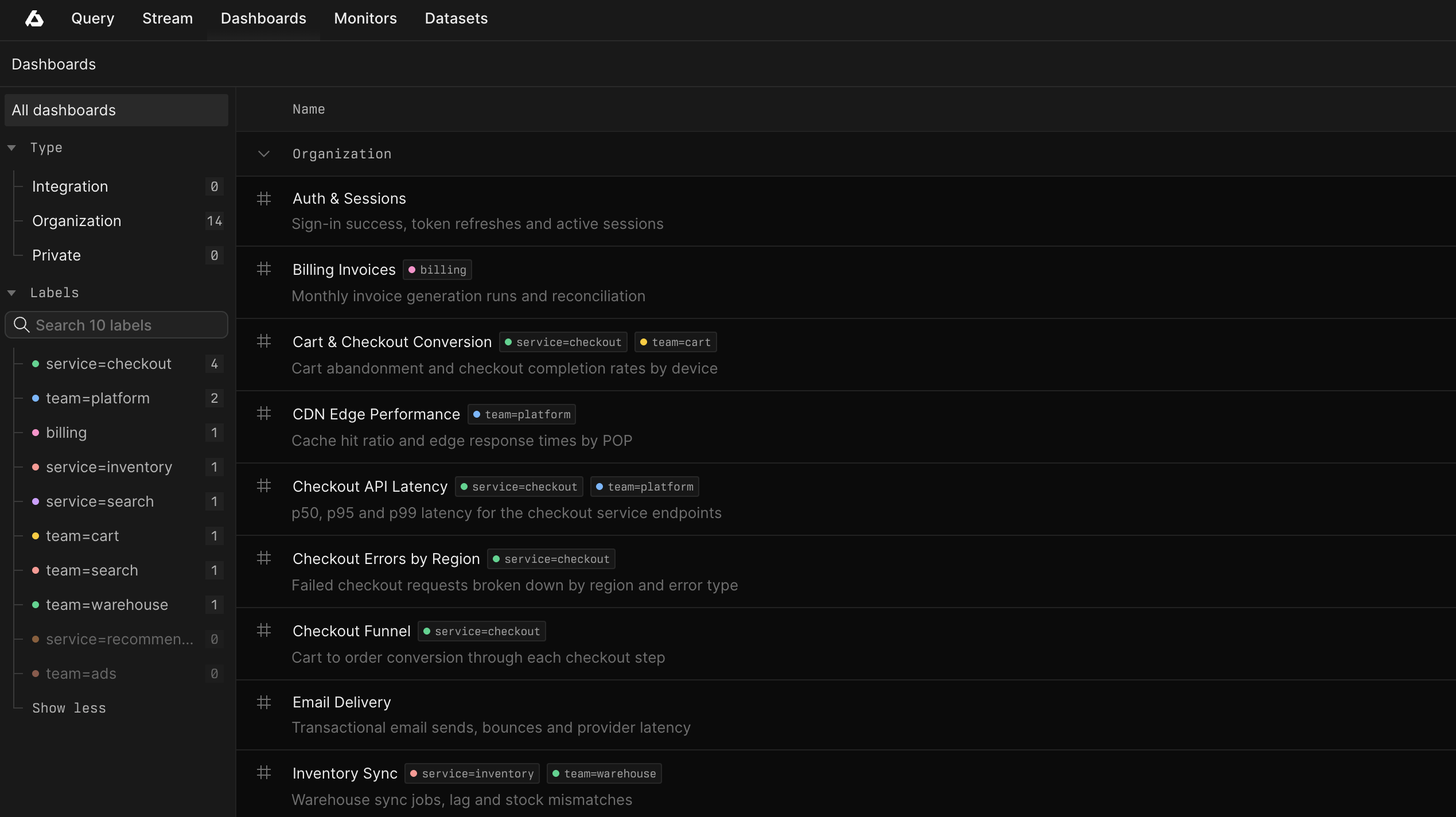
Labels give your Axiom organization a shared way to organize datasets, dashboards, monitors, and notifiers. Group related resources by team, service, environment, or project so they are easier to find.
Organize resources your way
Create labels such as env=production, service=payments, or team=platform, then assign them to the resources they describe. Reuse the same labels across resource types to keep your organization consistent. Each label has a color and an optional description to help your team recognize it and understand when to use it.
Assign or remove labels from a resource’s Labels menu, or set them while creating or editing a dataset, dashboard, or monitor.
Find related resources faster
Use the Labels section in each resource list’s sidebar to filter the list. Select several labels and choose ANY to match at least one, or ALL to match every selected label. Counts next to each label reflect the page’s other active filters.
Label filters stay in the page URL, so sharing a filtered list preserves your selection.
Give agents better context
Axiom’s Model Context Protocol (MCP) server exposes label names and descriptions alongside resource metadata. Agents use that context to understand which service a resource belongs to, which environment it covers, and which team owns it.
For example, an agent investigating payment errors uses env=production and service=payments to identify relevant datasets, dashboards, and monitors. A team=platform label adds ownership context. Label descriptions explain what each group of resources is for, helping the agent choose where to query data and which existing dashboards and monitor definitions to inspect.
After selecting a dataset, the agent uses its fields or metric tags to build queries.
Manage labels in one place
Open Settings > Labels to create labels, edit their names, descriptions, and colors, or see how many resources use each label. Changes to a label’s definition apply everywhere it is assigned.
For more information, see Labels.