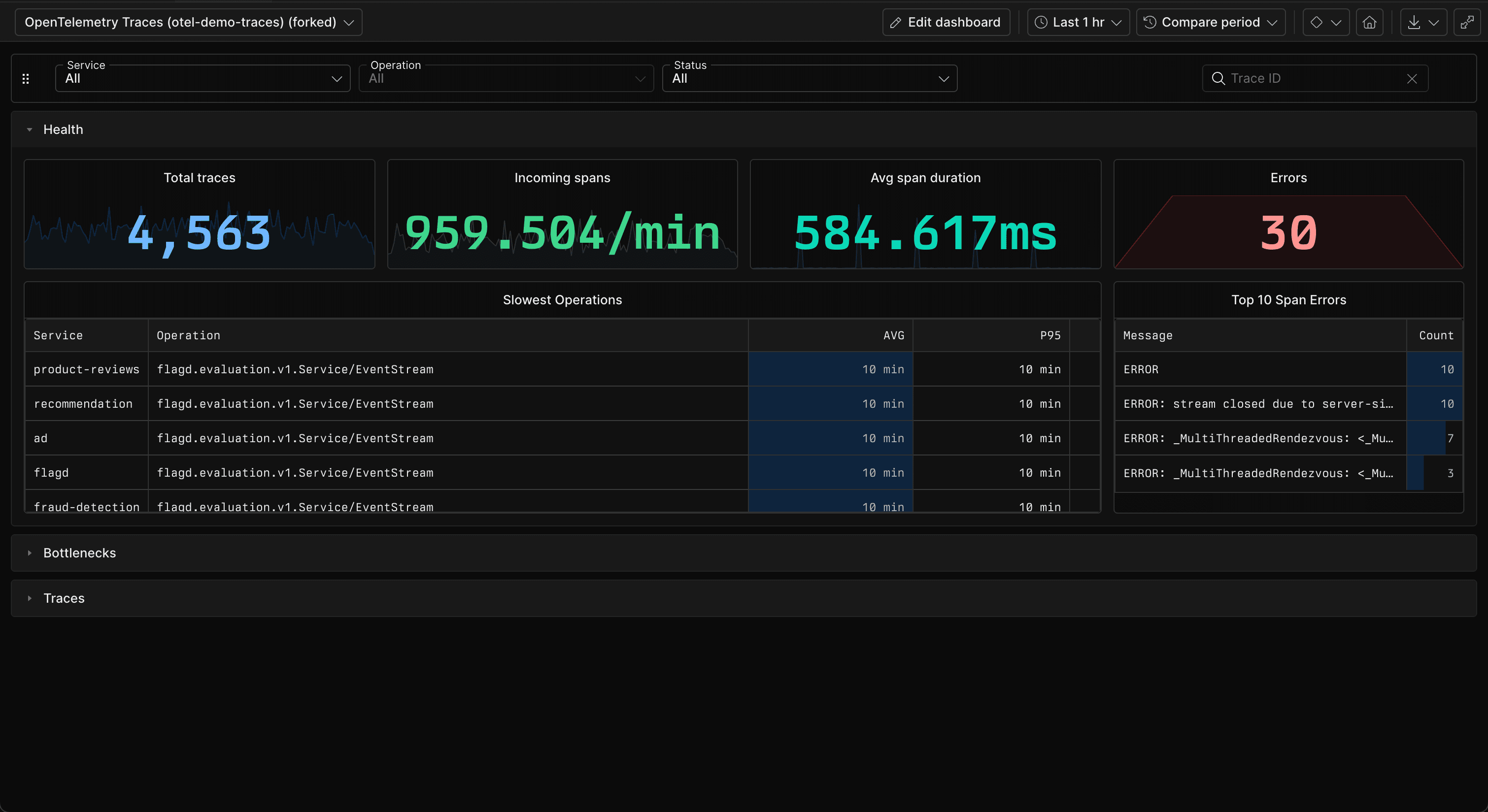
Dashboard sections are now available in Axiom.
Sections group related dashboard elements under a shared header. Use sections to divide a large dashboard. Each section expands and collapses independently. When you collapse a section, Axiom stops running queries for the elements inside it. Expand the section to load the elements again.
Organize dashboard elements
Create a section from the Add element menu, then add new dashboard elements directly to it. Drag existing elements into a section, move elements between sections, or reorder entire sections.
Dashboard elements that aren't assigned to a section remain above the sections. Filter bars also remain outside sections so they continue to apply across the entire dashboard.
Expand and collapse sections
Collapse a section to hide its dashboard elements and stop their queries. Expand the section to load the elements and run their queries again.
Axiom remembers each viewer's expanded or collapsed sections in their browser. Dashboard editors also set whether a section starts expanded or collapsed by default.
Manage sections safely
Rename and reorder sections as the dashboard evolves. When deleting a section, keep its dashboard elements outside all sections or remove the section and its elements together.
For more information, see Dashboard sections.